• Comments: 8

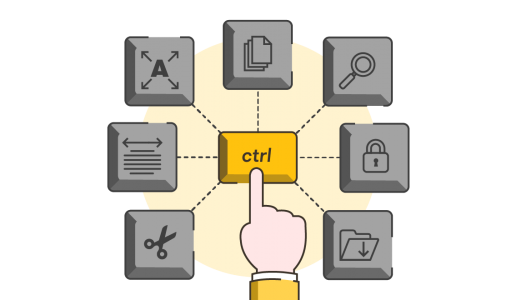
When carrying out BrightCarbon's Advanced PowerPoint training course, showing Keyboard shortcuts to help people carry out every-day tasks much faster than normal is always a really big hit. Download our PowerPoint Keyboard Shortcuts PDF here...

Feb 2026

    A PowerPoint template is the only brand element you put in the hands of the whole organisation – regardless of computer literacy, or design skill: it has to be robust enough so that it can’t be broken, but strong enough to carry your brand voice into every meeting, or leave-behind, or proposal it gets used for. Read on for a list of the essential elements every PowerPoint template needs to have.

    Feb 2026

      Reuse Slides is a PowerPoint feature that will be phased out by 1 January 2026. If you're a fan, read on to discover what Microsoft might replace it with, and two alternatives to Reuse Slides to get you using your on-brand, pre-approved content quickly and easily across your whole organisation

      Feb 2026
      • Comments: 18

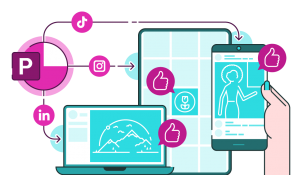
      For years, PowerPoint has been synonymous with boardroom presentations and academic lectures. Its default 16:9 slide ratio is tuned for projection screens, not LinkedIn grids or TikTok thumbnails. But what if the same tool that powers your pitch decks could also become your go-to design app for social media content?…

      Feb 2026

        As the saying goes, a picture speaks a thousand words. PowerPoint offers you multiple image sources to help you create your latest presentation masterpiece, but it isn't very consistent in how it presents them to you. Let's fix that!

        Feb 2026
        • Comments: 1

        If you're unfamiliar with the tech, delivering presentations can be a really nerve-racking experience. This blog post gives you a useful rundown of the features of Presenter view in PowerPoint and how they can help you showcase your content with confidence.

        Join the BrightCarbon mailing list for monthly invites and resources

        Tell me more!