Some things intrinsically belong as a pair. I beg you, what is a ship without its sails? A cup of tea without a digestive? Claudia Winkleman without her fringe? The same can be said about presentations. Sure, here at BrightCarbon, we love crafting beautiful, impactful slides, but without a presenter, it’s hard to tell your audience the full story. Their job is crucial; ensuring that the slide’s message reaches the audience and makes as big of an impact as possible. I guess you could say they’re kind of a big deal…
Luckily for you, we know a thing or two about presenting. Use this guide to discover your presenter persona and try out our selected presentation techniques to capture your audience’s attention the moment you step out on stage.
How to use this guide
Know your presenter type already? Jump to the relevant persona using the links below and start digging into those presentation techniques:
Need a hand figuring out your persona? Read the starter packs below!
The ‘out of my comfort zone’ presenter
Starter pack:
‘Presenting’ falls into the same mental category as ‘public humiliation’ and ‘torture’.
Know your stuff to a tee, but eager to learn how to make presenting feel like less of an ordeal.
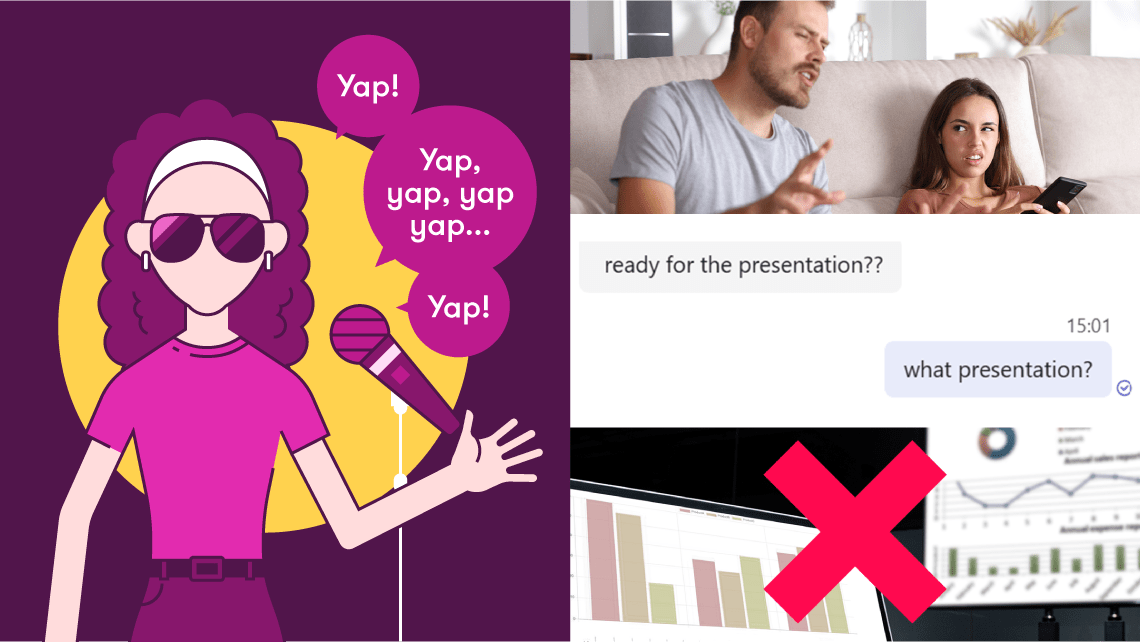
There’s a lot to be said for the ‘out of my comfort zone’ presenter. You love your chosen topic, but not the pressure of a presentation. You’ll dedicate hours to refining the perfect script, and be a pro at turning your nervous energy into an energetic delivery like the ultimate presenter transformer. Sometimes, this energy gets translated into a lot of ‘ums’ and ‘ahs’, which don’t always help with narrative flow, and you might struggle with making eye contact with your audience.
Schedule a rehearsal
It’s quite easy to put less desirable tasks on the back burner. Ever had a weekend where you’ve promised yourself you’d sort your life out, but Sunday night rolls around and your kitchen’s a state, you’ve got no clean clothes in the wardrobe, and your food for the week consists of a jar of jalapeños? (Cool, just me).
Tip: Do yourself a favour and make sure you’ve run through your presentation at least a couple of times before the big day. Don’t know where to start? Follow these steps below:
Step 1: Run your presentation out loud, just to yourself. You could be anywhere; your living room, your office, your shower (if we overlook a few health and safety risks). Go through each slide, presenting as though you were in front of a full audience. Once you’re familiar with speaking the content, presenting it won’t feel quite as daunting.
Step 2: Time to get an audience involved! Rope in your colleague, mate, or a family member to watch you run your presentation. Even if they don’t understand the content, rehearsing with a physical audience member to bounce off will help you build your presenter confidence.
Step 3: If possible, rehearse your presentation in the actual space you’ll be presenting in with a few of your colleagues. This means you can decide where you want to stand, where to position your notes, and all the extra faff of presenting before the big day. By the time your actual presentation rolls around, it won’t feel like your first rodeo.
With a few practice runs behind you, you’ll feel way more at ease, meaning you’ll drop those ‘ums’ and ‘ahs’, and feel infinitely more confident in your delivery. And as we know, a confident presenter is an engaging presenter. Who knows, you might even come to love it!
Fool ‘em
Audience interaction, like making eye contact or gesturing, is a great interactive presentation technique to involve your audience as part of your pitch. However, if this feels too icky, fake it:
Tip: For smaller presentations where you can clearly see your audience members, try looking at the bridge of their nose, in between their eyes. This gives the impression that you’re directly connecting with your audience, without gazing into their soul. Presenting to a packed-out gig? (Check you out!) Direct your gaze to the back of the room, looking slightly above the tops of people’s heads. Presenting to the back of the room means you’re including all of your audience, rather than just the first two rows. If the audience feel like you’re speaking directly to them, they’re way more likely to buy in to your ideas.
The ‘wing it’ presenter
Starter pack:
Firm believer in person-person communication: love a natter with your mate, your nan, your friend’s cousin’s boyfriend, and the cashier at your Tesco Extra.
Preparation feels tedious when you can rely on the gift of the gab.
The ‘wing it’ presenter is a confident conversationalist; you can easily communicate the main benefits of the topic, product, or service through quirky anecdotes and seamless storytelling. However, you can fall victim to a conversational segue, and your impactful slides are often left by the wayside, like a presentational third wheel.
Become your audience
When you’re a natural at presenting, preparation can sometimes feel constricting. Why plan when you can rely on your charisma to carry you through, right?
Tip: Wrong. It’s important to remember that this is your audience’s first time hearing your presentation. Whilst a fun anecdote about your washing machine is engaging for your audience, it doesn’t really tell them much about your topic or service. Next time you’re rehearsing your presentation, use your phone to record your audio. Play it back and listen critically, as though you were your own audience member – would your presentation make sense? Which topics are you sharp on? Are they any points where you go on and on (and on and on)? Practise this technique again, but this time set a time limit. Try covering all your slides and points within your allocated time, without rushing, skipping ahead, or divulging. This practice will force you to condense your content into the main takeaways without any extreme segues, which in turn is so much more impactful for your audience.
Your slides are your equal
You present, speaking the gospels of your topic with ease and sophistication for an hour… but your presentation is still on the title slide.
Tip: Take yourself back to basics. Look over your slides, and ask yourself the following questions
Who is the presentation for?
What is the aim of the presentation?
What’s the overall takeaway?
What’s the message of each slide?
Now, look over your speaker notes (if you have them) and slides. Are your answers to these questions reflected in your notes? If not, it’s time to pair the two together. Don’t have any notes at all? Jot down your answers to the questions above to make sure you’re hitting the key points of your presentation. Ensuring the message of your presentation is consistent across your talk track and slides allows for clear storytelling; your audience follows one narrative, both audibly and visually, making for a clear, persuasive presentation. Now your slides tally with your notes, it’ll be way easier to naturally incorporate them whilst you’re presenting. Give it a couple of run throughs before the big day, being mindful of how you can use your slides to support your topic/delivery.
Struggling to pinpoint the aims of your presentation? Don’t worry, you’ve come to the right place. At BrightCarbon, we’re invested in the message behind your slides, as well as making them look pretty. Contact our team to learn about our messaging services, and how we can craft an impactful narrative for your presentation.
The ‘need to know my stuff’ presenter
Starter pack:
Improv hater – you’ll only present if every word is scripted
Too much faith in speaker notes and index cards
The ‘need to know’ my stuff presenter is a prepared, enthusiastic presenter. You’ll cover every nook and cranny of your topic, meaning the audience really trust you as an expert in your field. However, your allegiance to your script can make for a robotic or stilted delivery, especially when confronted with opportunities for spontaneous chat, like a Q&A.
Put the ‘notes’ back in speaker notes
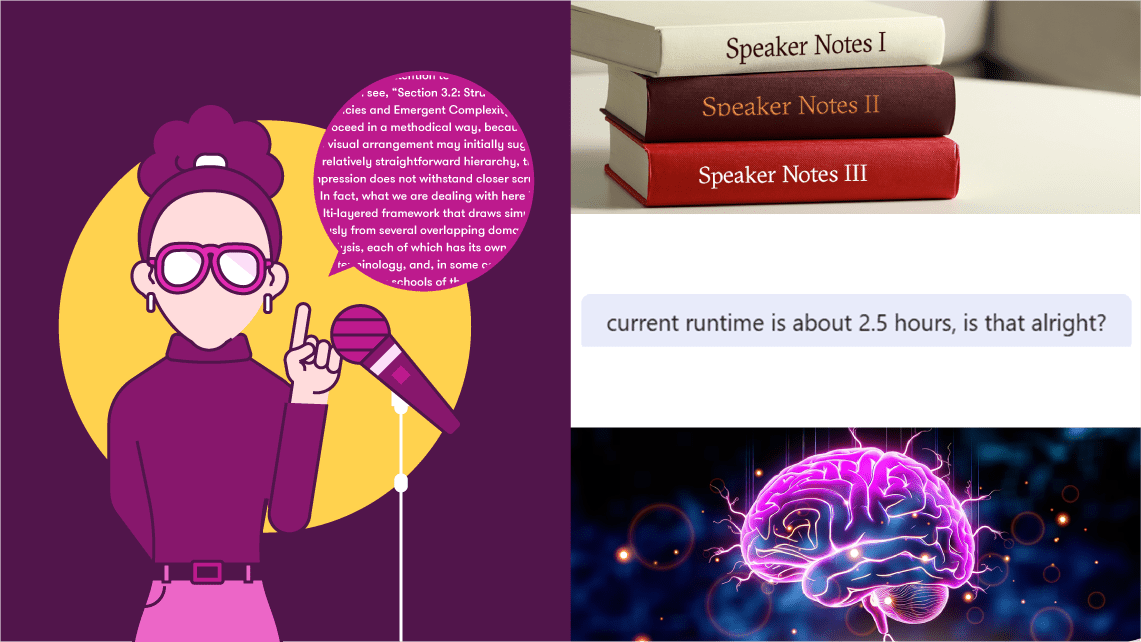
If the word count of your speaker notes borders that of a Dickens novel, it’s time to rethink.
Tip: Open a doc and write down everything you want to say in your presentation, word for word if you like. Now, take your verbatim script, read through it, and condense everything down to just bullet points. Take your new drafted version and reduce it even more: can some points just be one word? Are two points saying the same thing? Try rehearsing your presentation with your newly refined speaker notes and notice what happens. By cutting down your number of prompts, you’ll feel more connected to the topic and your audience. Just remember to put your presentation in Presenter View! Unsure how? We’ve got you covered, whether you’re presenting in PowerPoint or Google Slides.
You’re the expert
Whilst rehearsing is beneficial for a presentation, too much of it can be a bad thing. As the icon George Michael once said, you gotta have faith – trust that you know your material!
Tip: In your rehearsal, ditch the script. Try presenting without any of your usual prompts, simply relying on your designed slides and subject knowledge. You’re likely to remember way more about your topic than you thought. Go back and read your original script – did you miss anything? Include these points in your speaker notes as succinct prompts. Manage to cover a whole section without any reminders? Told you so, let your expertise do the talking! For an extra challenge, strike up a conversation in the wild and see if you can talk through your presentation without any notes, whilst keeping an awareness of your audience. Your awkward office lift chats are about to get elevated!
So, there you have it – some tried and tested presentation techniques to get creative with, no matter what kind of presenter you are!
Tried them out and found yourself thinking, ‘it’s not me, it’s my slides!’. We’ve been there. Contact us today to find out how we can elevate your presentation, slide by slide, to ensure your presentation is as impactful as possible.
And, if all else fails, try imagining your audience naked…
Online presenting can be challenging. With more work and home distractions than ever, all competing for attention, no real-time audience feedback, it basically feels like you're just speaking into the void. But fear not. We’ve pulled together our 5 top tips for keeping your virtual audience engaged, present, and tuned in, so buckle up and turn your presentation nightmare into your presentation dream.
Maybe you’ve been in this position before. You have a killer sales deck, but you lose the sale. In all likelihood you haven’t lost to a competitor, but to something else entirely. Often the victor is the status quo. In this post, we’re going to teach you how you can develop sales presentations that overcome indecision and beat the status quo. For good.
The goal of presenting inclusively is to make sure none of your audience are excluded due to their background or abilities. Even if you think you know your audience – many people could be experiencing invisible disabilities or situational limitations that could affect their ability to participate. But taking steps to ensure your presentation is inclusive and accessible is likely to benefit everyone!
A big and sincere thanks for all of your superb help and effort in preparing such fantastic material and for all your excellent coaching tips. Look forward to working with you again soon.