How to create accessible eLearning: the CRAB cheat sheet
- Category: Effective eLearning Tools
Creating accessible content can sometimes feel like the creativity killer after hours spent designing a beautiful piece of eLearning, but actually when you design with accessibility in mind from the get-go, it actually makes the final outcome much much better.
When you look at the WCAG guidelines for accessible content, many of them are just principles of good design, and so with those aims in mind we can design content that looks great, works as it should, and it completely accessible for all users.
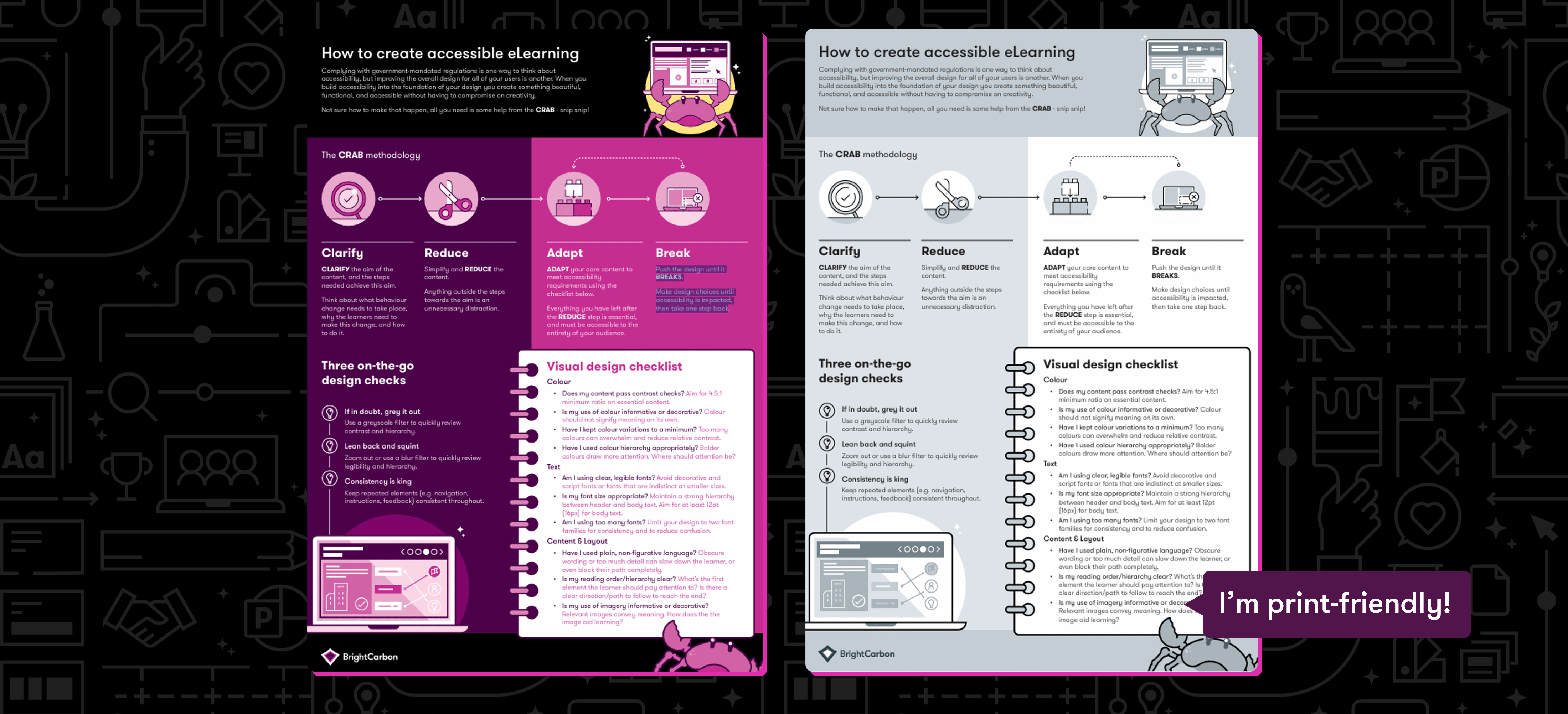
We’ve developed the CRAB framework to help you as you approach each page or slide of your eLearning:
- Clarify the aim of the content, and the steps needed achieve this aim. Think about what behaviour change needs to take place, why the learners need to
make this change, and how to do it. - Simplify and reduce the content. Anything outside the steps towards the aim is an unnecessary distraction.
- Adapt your core content to meet accessibility requirements using the checklist below. Everything you have left after the reduce step is essential, and must be accessible to the entirety of your audience.
- Push the design until it breaks. Make design choices until accessibility is impacted, then take one step back.
We also have a visual design checklist that covers colours, fonts and layout along with some quick on-the-go design checks you can do as you’re working on your content.
We’ve packaged all of that in a handy cheat sheet that you can download and keep to hand on your desk[top].
- Download the CRAB cheat sheet on how to create accessible eLearning
- Download a print-friendly version of the CRAB framework
Further reading
Join the BrightCarbon mailing list for monthly invites and resources
Tell me more!A big and sincere thanks for all of your superb help and effort in preparing such fantastic material and for all your excellent coaching tips. Look forward to working with you again soon.
Greg Tufnall Siemens