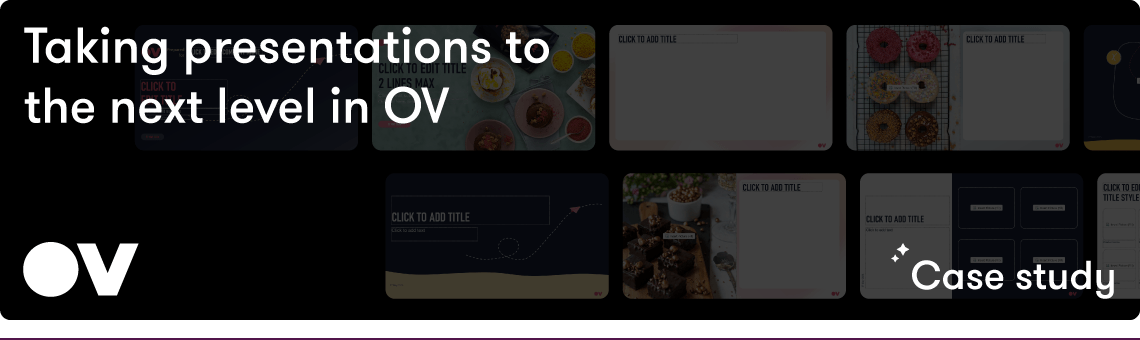
If you know you need to up your PowerPoint game, how do you go about it? OV approached us with a challenge we see all too often: their teams were creating client‑facing decks that varied widely in branding, visual quality, and narrative structure. As a result, OV’s story wasn’t being communicated consistently, and employees lacked the tools, time, and confidence to build polished, on‑brand presentations.
Our approach
A problem like this can’t be solved by addressing a single pain point. Employees need guidance to tell the right story about OV, have the right tools at their disposal, and know how to use them.
We put forward a multi‑pronged solution that combined strategic storytelling, hands‑on presentation creation, and long‑term capability building.
Step 1: Craft a compelling corporate overview
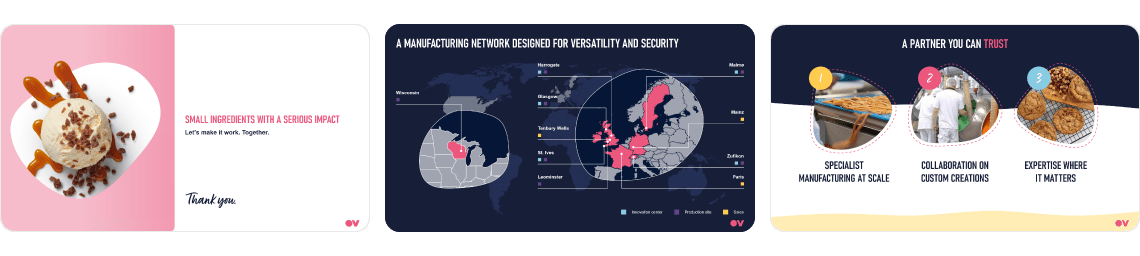
We began with a story. A clear, cohesive narrative woven into a corporate overview deck that captured who OV is, what they do, and the value they bring. This deck would serve as the gold standard for how OV presents itself externally: visually consistent, strategically structured, and easy for employees to use in conversations with prospects and partners.
Step 2: Build a robust, brand‑compliant template
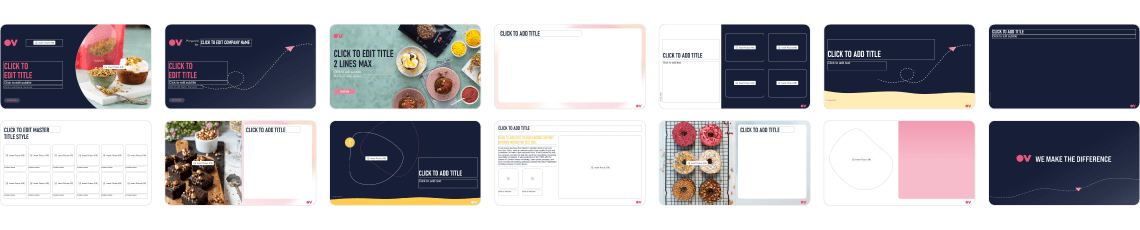
But beyond sending out a pre-approved deck, we needed to get employees creating their own beautiful, on-brand presentations. The first step was to establish guardrails by designing a new PowerPoint template in OV’s branding. This included flexible layouts with a visual system that made it easy for anyone, regardless of design experience, to produce simple, consistent slides.
Step 3: Empowering users with ready‑made assets through BrandIn
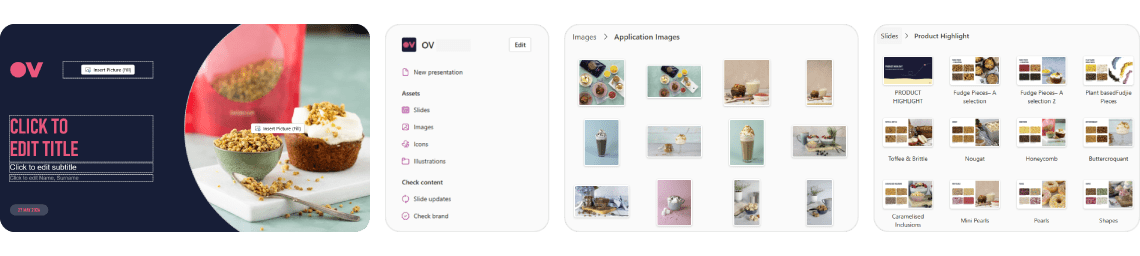
The new template was a good baseline, but the empty slides needed to be filled somehow. OV had a gorgeous library of existing assets and a robust template that was ready to be populated. The last remaining puzzle piece was creating an environment that serves everything up as beautiful, on-brand building blocks. Enter BrandIn – a PowerPoint add-in that places approved assets directly inside the application. With BrandIn, employees can instantly access:
- Brand‑aligned slides
- Pre‑built layouts
- Icons, imagery, and graphic elements
- Entire presentation frameworks
- Automatic slide updates
BrandIn places the right materials at users’ fingertips, ensures they’re up-to-date, and reduces the time spent searching for assets or creating the same visuals over and over again.
Step 4: Driving adoption through training
To introduce the new PowerPoint ecosystem, we ran a series of training sessions so users would be comfortable and motivated to implement the new tools in their workflow. These sessions introduced the new template, demonstrated how to navigate BrandIn, and gave users practical tips for building compelling, brand‑compliant slides.
The impact
OV have more than a new presentation. OV have changed their culture around PowerPoint – now employees can confidently and efficiently create beautiful on-brand content, tell impactful visual stories, and leave a lasting impact with audiences.



Join the BrightCarbon mailing list for monthly invites and resources
Tell me more!